How to Choose a Customer Feedback System for MultiBranch Operations
Knowing how to choose a customer feedback solution is harder than it looks. Most tools were built for e-commerce and contact centers: they send email surveys days after a transaction, average the scores, and call it a day. That works when your “branches” are web pages. It does not work when you run physical service locations.
If you manage banks, clinics, government offices, or any operation where customers show up in person, you need feedback tools designed around service interactions. The criteria are different. The timing is different. The reporting you need is different.
This guide covers what to look for, what to avoid, and the questions worth asking before you commit to any system.
Why Branch Operations Feedback Is Different
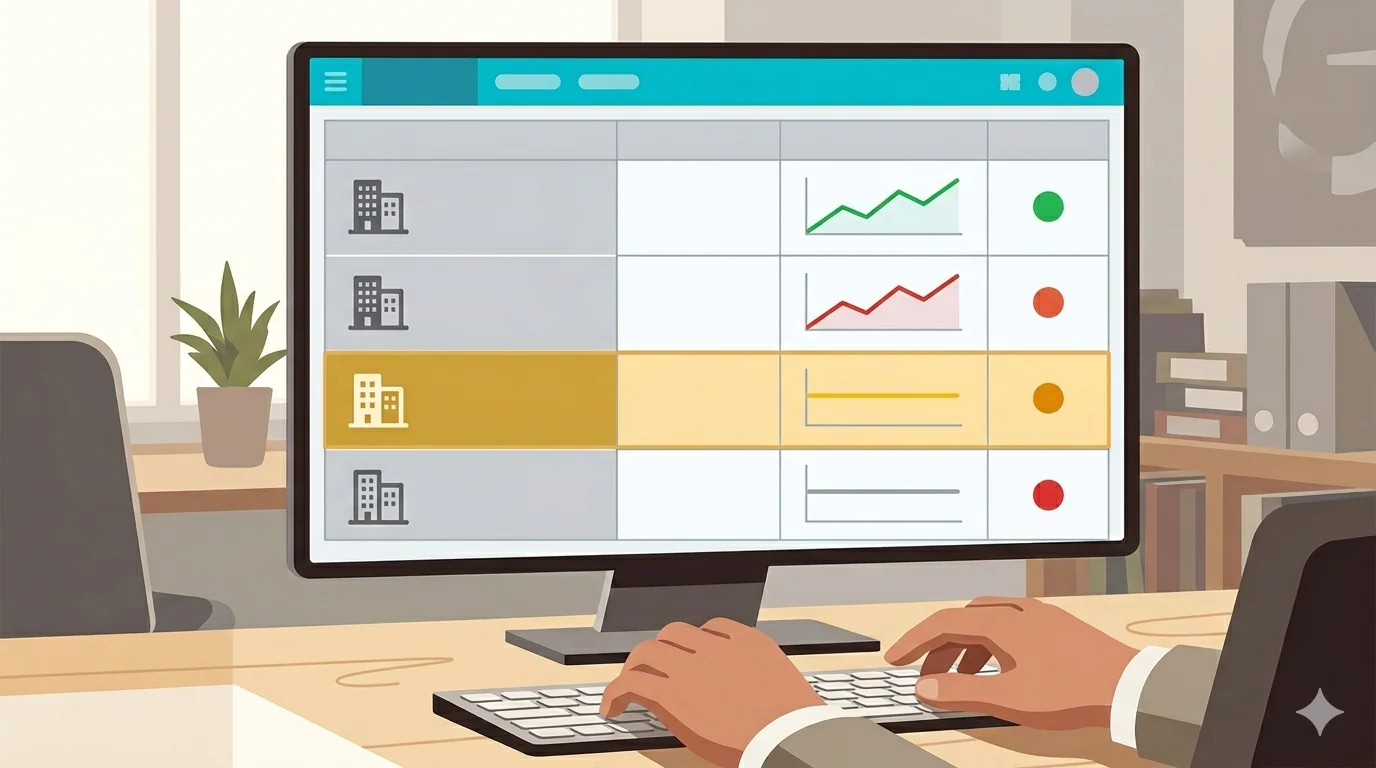
When a customer visits your branch, the service window closes in minutes. Their memory of the experience is sharpest immediately after they leave. By the time an email arrives tomorrow or three days from now, the emotional detail is gone. They rate based on mood, not memory.
Branch feedback also needs to answer a specific question: which branch, which service, which shift. An aggregate NPS score across all locations tells you something went wrong somewhere. It does not tell you where, when, or why. For an operations manager responsible for 10 or 20 branches, “somewhere” is useless.
The right customer feedback solution for branch operations captures responses at the right moment, breaks them down to the right level, and connects satisfaction data to the operational context that explains it.
1. How Is Feedback Triggered?
This is the most important question on the list. The trigger method determines your response rate and the reliability of your data.
Manual triggers, where a staff member asks a customer to rate the service, have two problems. Response rates are inconsistent because it depends on the staff member remembering. And the data is biased because staff will naturally ask customers who seemed satisfied and skip the ones who seemed annoyed.
Automatic triggers solve both. When your queue management system closes a ticket, it fires a feedback prompt: a kiosk screen at the counter, an SMS to the customer’s number, or a QR code on the printed receipt. Every customer gets asked. No exceptions. No selection bias.
Look for a customer feedback solution where the trigger is tied to the service event itself, not to a staff action.
2. Does It Give You Per-Branch and Per-Service Breakdowns?
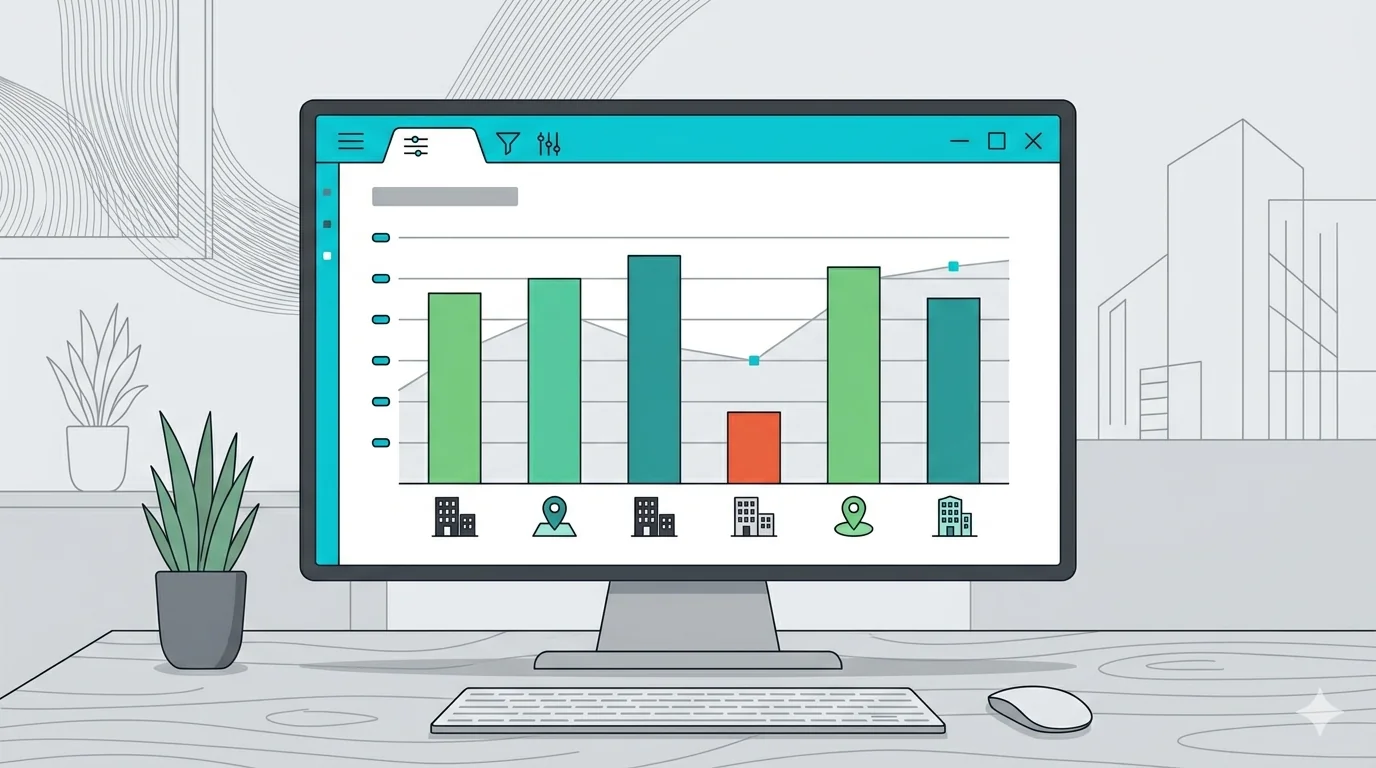
Aggregate scores hide problems. If your organization-wide satisfaction rate is 78%, that number might include three branches performing at 90% and two branches at 55%. You will not know that from the average.
The breakdown you need is: satisfaction by branch, by service type, and by date range. If your loan advisory service scores consistently lower than teller transactions across multiple branches, that is a training or process issue. If one branch scores lower than all others during the afternoon shift, that is a staffing issue. Neither insight is visible in an aggregate number.
Before selecting any system, confirm you can filter feedback data by individual location, by the type of service the customer received, and by time period. If the answer is no, the tool is not built for multi-branch operations.
3. Can It Connect Satisfaction to Operational Data?
Satisfaction scores tell you what customers felt. Operational data tells you what happened. A feedback system that cannot connect the two leaves you guessing at causes.
When satisfaction drops at a branch, the first question is why. Was it a long wait? A specific service type that consistently underperforms? A staffing gap on certain days? If your customer feedback solution only stores the rating, you have to cross-reference manually with queue logs, shift schedules, and service reports. That takes time most operations managers do not have.
The more useful setup is one where feedback data sits alongside operational data: wait time at the moment of the interaction, service duration, service type, counter number. When a pattern emerges, the explanation is already in the data.
Ask vendors specifically: can I see how satisfaction scores correlate with wait times? Can I filter low-rated interactions by service type? The answer tells you how deeply the feedback tool is integrated with the service operation.
4. What Survey Formats Are Available?
Response rate and survey length move in opposite directions. A 10-question survey at a kiosk will get ignored. A single emoji rating will get clicked. The format needs to match the context.
For in-branch kiosk feedback immediately after service, the highest-performing formats are single-question ratings: stars, NPS, emoji scale (happy/neutral/unhappy), or a 1-5 number. Simple, fast, takes under five seconds.
For post-visit SMS feedback, you have a slightly longer attention window and can follow up with one additional question, typically an open text field for customers who want to say more. Free-text responses are where the specific, actionable feedback lives.
Look for a system that supports at least three formats (stars or NPS, emoji scale, and free text) and lets you configure which format appears on which channel.

5. Does It Track Trends, Not Just Snapshots?
A single week of satisfaction data is a snapshot. Four months of data is a trend. Trends are what let you act before a problem becomes a crisis.
A branch that scores 72% this week is not necessarily in trouble. A branch that has dropped from 88% to 72% over six consecutive weeks is telling you something. Without trend visibility, you see the number. You do not see the direction.
The reporting capability to look for: satisfaction over time by branch, with the ability to compare periods side by side. That is how you connect an operational change you made to a measurable outcome in customer satisfaction.
6. Can You Control Who Sees Individual Scores?
This matters more than most organizations realize before they deploy. When branch staff know that individual customer ratings are visible to them in real time, behavior changes.
Some staff will ask customers to rate them positively before submitting. Some will trigger the survey only for interactions they feel confident about. Both introduce systematic bias into your data. Your satisfaction scores start reflecting staff behavior, not actual customer experience.
The configuration you want: branch-level aggregates visible to branch managers, individual scores flowing only to operations management and service quality teams. Ask any vendor how access controls work and whether individual ratings can be restricted from front-line staff.
7. How Does Deployment Work at Scale?
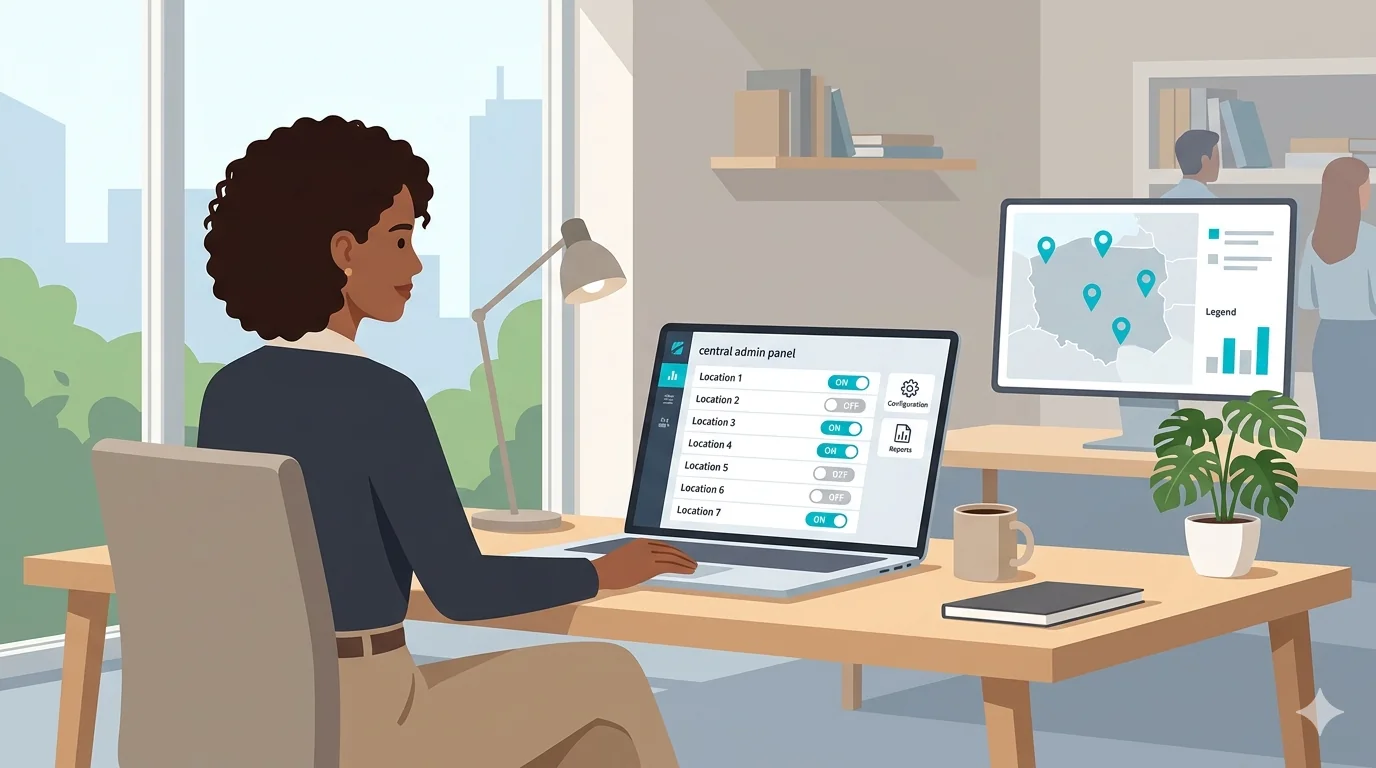
A feedback system that requires IT involvement at every branch for every configuration change is a system you will stop using within months. Deployment friction compounds quickly across 10, 20, or 50 locations.
What to confirm before signing: Can you push survey changes centrally without visiting each location? Can you add a new branch without provisioning hardware from scratch? If the system uses physical kiosks, who manages firmware updates?
Cloud-managed systems with central configuration panels are significantly easier to maintain at scale than on-premise or location-by-location deployments. If you are evaluating a customer feedback solution for a 5-location pilot that might grow to 30, the deployment model matters now, not later.
Red Flags to Watch For When Choosing a Customer Feedback Solution
- Email surveys sent after the visit. Response rates drop below 10% and memory bias skews results. Post-visit email works for hotels and e-commerce. It does not work for branch service.
- No per-branch reporting. If you cannot segment by location, the tool was built for single-location businesses or contact centers.
- Manual staff activation. Any system that relies on staff to initiate the survey introduces inconsistency and selection bias by design.
- No free-text option. Numeric ratings tell you there is a problem. Free text tells you what the problem is. A system without it gives you half the picture.
- No operational data integration. If satisfaction scores live in isolation from queue and service data, every investigation requires manual cross-referencing.
Questions to Ask When Choosing a Customer Feedback Solution
- How is the feedback survey triggered? Is it automatic when a service ticket closes, or does staff initiate it?
- Can I view results segmented by branch, by service type, and by date range independently?
- Can feedback scores be correlated with wait time or service duration data from the same interaction?
- What is the typical response rate for kiosk feedback versus SMS feedback?
- Who can see individual customer ratings? Can access be restricted by role?
- Can survey configuration be managed centrally across all branches, or does each location need to be updated separately?
- What hardware, if any, does the kiosk feedback channel require at each branch?
Key Takeaways
- The trigger method is the most important factor. Automatic beats manual on both response rate and data reliability.
- Aggregate scores are a starting point, not an answer. Per-branch and per-service breakdowns are what make feedback actionable for multi-location operations.
- Feedback data without operational context leaves you guessing at causes. Look for a customer feedback solution that connects satisfaction scores to wait times, service types, and service durations.
- Trend tracking matters more than snapshots. A declining branch is more urgent than a low-scoring one.
- Restrict individual score visibility to management. When staff can see and react to their own ratings in real time, data quality suffers.
- Central configuration management is non-negotiable at scale. Location-by-location updates do not work across 10 or more branches.
Waqtak’s Customer Feedback module captures satisfaction automatically at the point of service, with per-branch reporting and direct correlation to queue data. Explore Customer Feedback or Book a Demo to see how it works in your operation.
Waqtak is a cloud-based queue management system built for multi-branch service organizations.
Want to see how this works in practice?
Book a personalized demo and we will walk you through how Waqtak closes these blind spots for an operation like yours.
Book a Demo