The question is not whether your branches produce data. They do, every hour they are open. The question is whether anyone is turning that data into decisions, or whether it sits in a spreadsheet someone exports once a month and files away.
Choosing the wrong analytics platform does not mean choosing no platform. It means choosing one that gets used for the first two months, then quietly abandoned because reports require too much manual work, the filters are not granular enough, or the data only shows what happened last week.
Experience tells you what you’ve seen. Data tells you what you haven’t.
This guide covers seven criteria that separate analytics platforms that actually change how branch networks are managed from platforms that look good in a demo but underdeliver in practice. Each criterion ends with a question to ask every vendor before you sign.
If you are still building context on what operational analytics does for a branch network, start with What is Operational Analytics for Branches before continuing here.
7 Criteria for Choosing an Analytics Platform for Branches at a Glance
- Data enters automatically — no manual entry at any step
- Filters by branch and by staff member — not just network-level averages
- Stores at least 12 months of history — trends require enough data to repeat
- Delivers reports by email — accountability without requiring a login
- Connects to your other systems — API or BI export support
- Controls who sees what — role and branch-level permissions
- Goes live in weeks, not months — implementation time is a real cost
1. Does Data Enter the Analytics Platform Automatically?
This is the most important question on this list. Most buyers skip it entirely.
Manual data entry does not just create extra work. It creates unreliable data. When a branch manager is responsible for logging their own service times, customer counts, or staff productivity, the numbers reflect what they want the report to look like, not what actually happened. This is not a character flaw. It is human nature under performance pressure.
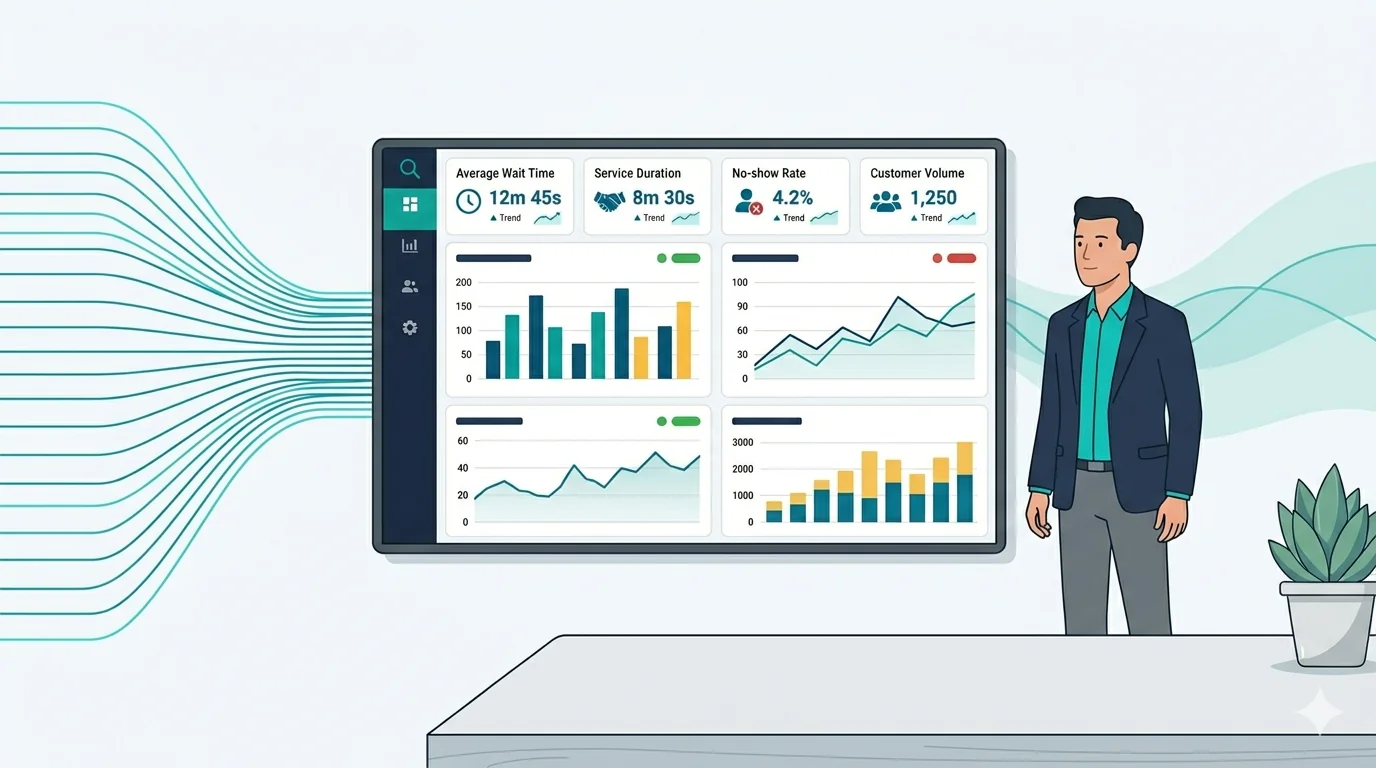
In practice, the only data worth trusting in an analytics platform for branches is data captured automatically by the system that runs operations: the queue management system, the scheduling platform, the service terminal. If the platform you are evaluating requires manual entry at any point in data collection, that entry is a gap in your reporting.
Automatic capture also removes the reporting burden from branch staff. Instead of filling out forms, they focus on serving customers. The system records what happens while they do their job.
Ask the Vendor
“How does data get into the system? At what points, if any, does a staff member or manager need to enter data manually?”
2. Can You Filter the Analytics by Branch and by Staff Member?
Regional managers responsible for ten or more branches do not need one number that averages performance across all of them. Instead, they need to know which branch is underperforming, and within that branch, whether the issue is a process problem or a staffing problem.
A platform that only reports at the branch level forces you to investigate manually every time a branch flags as a problem. You already know the branch is the problem. What you need to know is why, and that requires staff-level data.
As a result, look for platforms that support at minimum three levels of filtering: network, branch, and staff member. Some platforms also support shift-level filtering, which is useful when the same branch performs differently depending on who is working.
According to research published in the Harvard Business Review, organizations that track performance at the individual contributor level identify coaching needs earlier and reduce the cost of performance problems. The same principle applies to branch operations: the earlier you can isolate where a problem lives, the cheaper it is to fix.
Ask the Vendor
“Can I filter reports by individual branch and by staff member within a branch? Can I compare two staff members at the same branch side by side?”
3. How Far Back Does the Analytics Platform Store Data?
A platform that stores 30 days of history can tell you what happened this month. It cannot, however, tell you whether this month is normal.
Seasonal patterns in branch operations — higher volumes in Q4, slower mornings in summer, peak traffic after public holidays — only become visible when you have enough history to see the pattern repeat. Without that history, every anomaly looks like a crisis, and every slow week raises questions the data cannot answer.
In practice, the minimum for useful trend analysis is 12 months of rolling history. Platforms that cap data retention at 30 or 90 days are designed for operational monitoring, not analytics. The two serve different purposes, and it is worth being clear on which one you need. For more on the distinction, see The 6 Benefits of Operational Analytics for Branches.
Additionally, ask whether older data is archived but still accessible, or whether it is deleted entirely when the retention limit is reached. The answer matters more than most buyers expect.
Ask the Vendor
“How much historical data does the system retain? Is data past the retention limit archived or deleted? Can I access data from 18 months ago in a report today?”
4. Does the Analytics Platform Send Reports Automatically?
A dashboard that requires a login is a tool for people who already know they need to check something. It does not, however, help the manager who does not yet know there is a problem to look at.
Automated reporting changes the accountability structure of a branch network. When a weekly performance report lands in a regional manager’s inbox every Monday morning without any action required, the data is present in every conversation. Branch managers know the report is coming. Regional managers have the numbers before their weekly calls. Senior leadership, in turn, receives a summary without asking for one.
This is not about replacing the dashboard. Dashboards are useful for deep dives. Automated reports, on the other hand, are useful for maintaining baseline awareness across a large network without requiring constant active monitoring.
Look for platforms that support scheduled reports by email with configurable recipients and intervals. The best implementations allow different report templates for different audiences: a branch manager sees their branch, a regional manager sees their region, and a director sees the network.
Ask the Vendor
“Can I schedule automated reports delivered by email? Can I set different report templates and recipients for branch managers versus regional managers versus directors?”
5. Does the Analytics Platform Connect to Your Other Systems?
An analytics platform that cannot share data with your other tools is a silo. It can answer questions about operations, but it cannot connect operational performance to payroll costs, customer satisfaction scores, or the broader business dashboards your leadership team already uses.
In practice, the key question is whether the platform exports data in formats your BI tools can consume, or whether it offers API access for direct integration. Platforms built for enterprise use typically support both. Platforms built for smaller operations, by contrast, may offer CSV exports only — which works, but adds a manual step to every cross-system analysis.
This matters most when you are trying to answer questions that cross domains: for example, whether branches with higher transaction volumes also have higher staff turnover, or whether service time improvements show up in customer satisfaction scores. Those questions require connecting data from multiple systems, and that connection is only possible if the analytics platform is built to support it.
Ask the Vendor
“What export formats and integrations do you support? Do you have an API? Can your data feed into tools like Power BI or Tableau?”
6. Does the Analytics Platform Control Who Can See What?
In a branch network, not all data should be visible to all people. A branch manager should see their branch’s performance. They should not, however, see the performance of a branch they do not manage. A regional manager should see the branches in their region. A director should see everything.
This sounds obvious. Many platforms do not handle it well.
Granular role-based access matters for two reasons. First, it protects the integrity of performance conversations: a branch manager should not be able to compare themselves to branches they are not responsible for and use that to deflect accountability. Second, it controls what information reaches which level of the organization — a governance requirement in regulated industries like banking and healthcare.
As a result, look for platforms that allow access to be configured at the branch level, not just at the user role level. Role-level access controls what type of data a user can see. Branch-level access, in addition, controls which branches they can see it for.
Ask the Vendor
“How granular is the permission system? Can I restrict what each user sees by branch and by role? Can a branch manager see only their own branch’s reports?”
7. How Long Before the Analytics Platform Shows Live Data?
Implementation time is the most underestimated factor in platform selection. A platform that requires three months of configuration before it produces a single report carries a real cost that does not appear in the pricing proposal.
Some analytics platforms are sold as enterprise solutions and priced accordingly. They offer extensive customization but require lengthy deployment projects to get running. For a branch network that needs operational visibility now, a six-month implementation is not a feature. It is a problem.
Before you sign, ask for a specific timeline from contract to live data. Find out whether that timeline assumes dedicated IT resources on your side. Also clarify whether you will be using the platform during implementation or only after it completes.
Platforms built specifically for multi-branch operations tend to go live faster than repurposed enterprise BI tools, because they do not need to be configured to understand what a branch is, what a service transaction is, or how a regional management structure works. That context is already built in.
Ask the Vendor
“What does implementation look like from contract signing to live data? How long does it typically take, and what do we need to provide on our side to hit that timeline?”
Common Mistakes When Choosing an Analytics Platform for Branches
The criteria above tell you what to look for. These, however, are the mistakes that cause buyers to end up with the wrong platform even after careful evaluation.
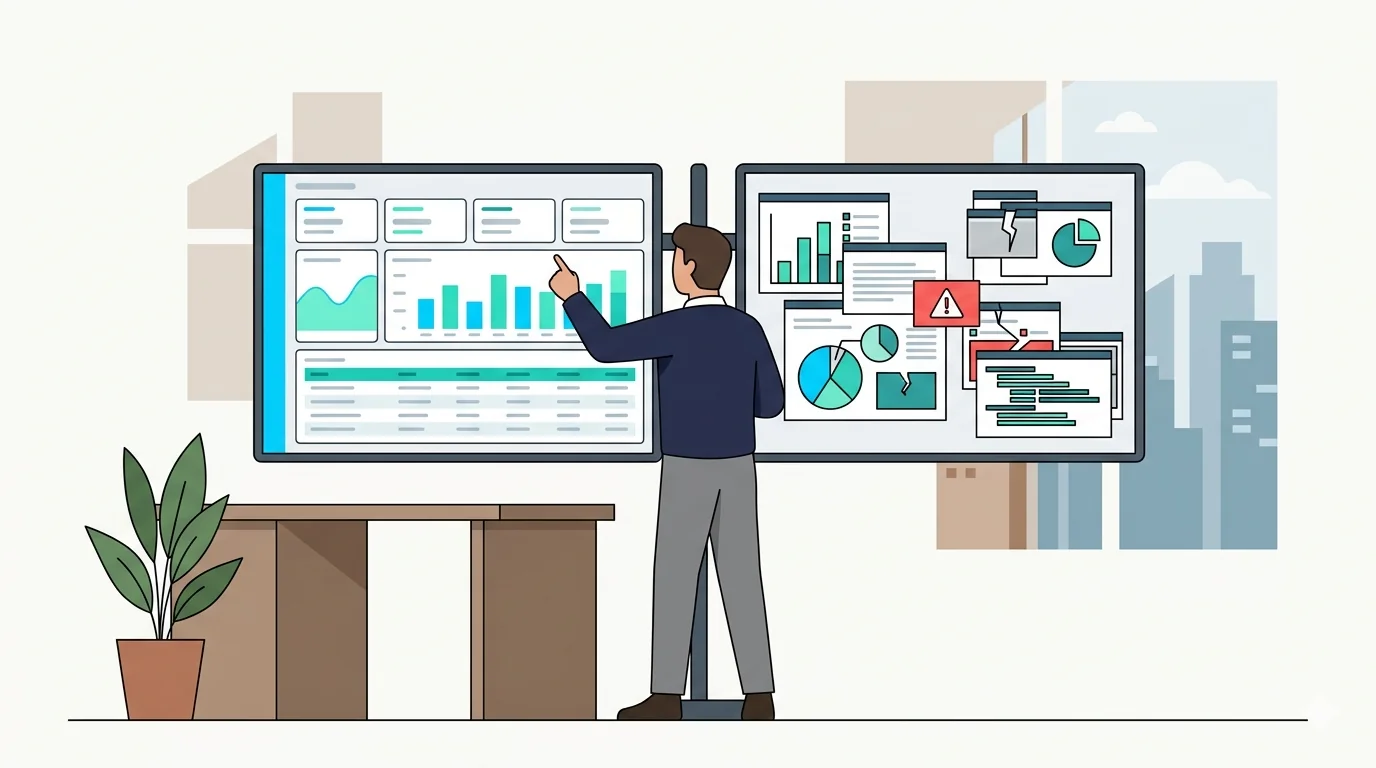
Choosing based on dashboard aesthetics. A well-designed dashboard is easy to like in a demo. It is not, however, a reliable indicator of whether the underlying data is accurate, complete, or useful for the decisions you need to make. Evaluate the data model and the filtering depth before you evaluate the visual layer.
Confusing monitoring with analytics. Real-time monitoring shows you what is happening right now. Analytics, by contrast, shows you what has been happening over time. These are different tools that answer different questions. Buying a monitoring tool when you need trend analysis is a common and expensive mistake. If you are unclear on the distinction, this article on operational analytics covers it in detail.
Buying a single-location platform for a multi-branch network. Many analytics tools are designed with one location in mind. As a result, they can show you data for one branch but were not built to compare 20 branches, aggregate across regions, or push different report views to different management levels. Multi-branch visibility is an architectural decision, not a setting you can turn on later.
Two Questions Most Buyers Forget to Ask
Ignoring the manual entry question. Buyers often focus on what reports a platform can produce rather than how data gets into it in the first place. In practice, a platform that produces 20 report types from unreliable manually entered data is less useful than one that produces 5 report types from automatically captured data.
Not asking who owns your data if you leave. This question is almost never raised, yet it almost always matters. If you switch vendors after two years, can you export your complete historical data? In what format? The answer affects your ability to maintain continuity in performance records and your leverage in any future vendor negotiation.
Key Takeaways: How to Choose an Analytics Platform for Branches
The analytics platform for branches that will actually change how you manage a network is one that collects data automatically, filters down to the individual staff level, stores enough history to show patterns, delivers reports without requiring a login, connects to your other tools, controls who sees what, and goes live in weeks rather than months.
In reality, platforms that check all seven boxes are not common. Most check four or five. The question, therefore, is which gaps you can accept and which ones will prevent the platform from doing the job.
Use the vendor questions in this guide in every evaluation. The answers will tell you more than any feature checklist.
| Criterion | What to Look For | Red Flag |
|---|---|---|
| Data capture | Fully automatic from operations | Any manual entry step |
| Filtering depth | Network, branch, and staff level | Branch-level only |
| Historical data | 12+ months accessible in reports | 30- or 90-day retention cap |
| Report delivery | Automated email on a set schedule | Dashboard-only, login required |
| Integrations | API or BI tool export support | CSV export only, no API |
| Access control | Role and branch-level permissions | All users see all data |
| Implementation | Live data in weeks | Months of configuration required |
Real-time monitoring shows you what is happening in your branches right now — live queues, active staff, current wait times. An analytics platform shows you what has been happening over time — trends, patterns, and performance comparisons across days, weeks, and months. They answer different questions and serve different management needs. Some platforms offer both, but most specialize in one.
Most branch analytics platforms become valuable at three or more branches. Below that threshold, a manager can observe performance directly. Once you are responsible for multiple locations you cannot physically visit at the same time, data becomes the only way to maintain visibility across all of them simultaneously.
Most branch analytics platforms track service time, wait time, customer volume by hour and day, staff productivity, branch-to-branch performance comparisons, and peak period patterns. More advanced platforms also track abandonment rates, service type breakdowns, and trend lines over rolling time periods.
Implementation time varies significantly by platform. Platforms built specifically for branch operations can go live in days to a few weeks, because the core concepts — branches, counters, staff, transactions — are already built in. Generic enterprise BI tools repurposed for branch use can take three to six months to configure. Always ask for a specific timeline before signing.
It depends on the platform. Enterprise-grade platforms typically offer API access and support integration with tools like Power BI, SAP, or Oracle. Platforms designed for smaller operations may only offer CSV exports. If cross-system analysis matters to you — for example, connecting service performance to payroll data — confirm integration support before you evaluate anything else.
Choosing based on how the dashboard looks rather than how data gets into it. A visually impressive dashboard built on manually entered data is unreliable by design. The first question to ask any vendor is whether data capture is fully automatic. If any step requires a staff member or manager to enter numbers by hand, the integrity of every report that follows is compromised.
Waqtak is a cloud-based queue management system built for multi-branch service organizations.
The Decisions You’re Making Without the Data to Back Them
Last quarter, you made three operational decisions. You moved a staff member from Branch 6 to Branch 3…

The Benefits of Operational Analytics for Multi-Branched Companies
The benefits of operational analytics for branches show up most clearly in the decisions it changes, not the…

What is Operational Analytics for Multi-Branched Operations
If you manage multiple branches, you are making decisions every day without complete information. You know what last…
Want to see how this works in practice?
Book a personalized demo and we will walk you through how Waqtak closes these blind spots for an operation like yours.
Book a Demo